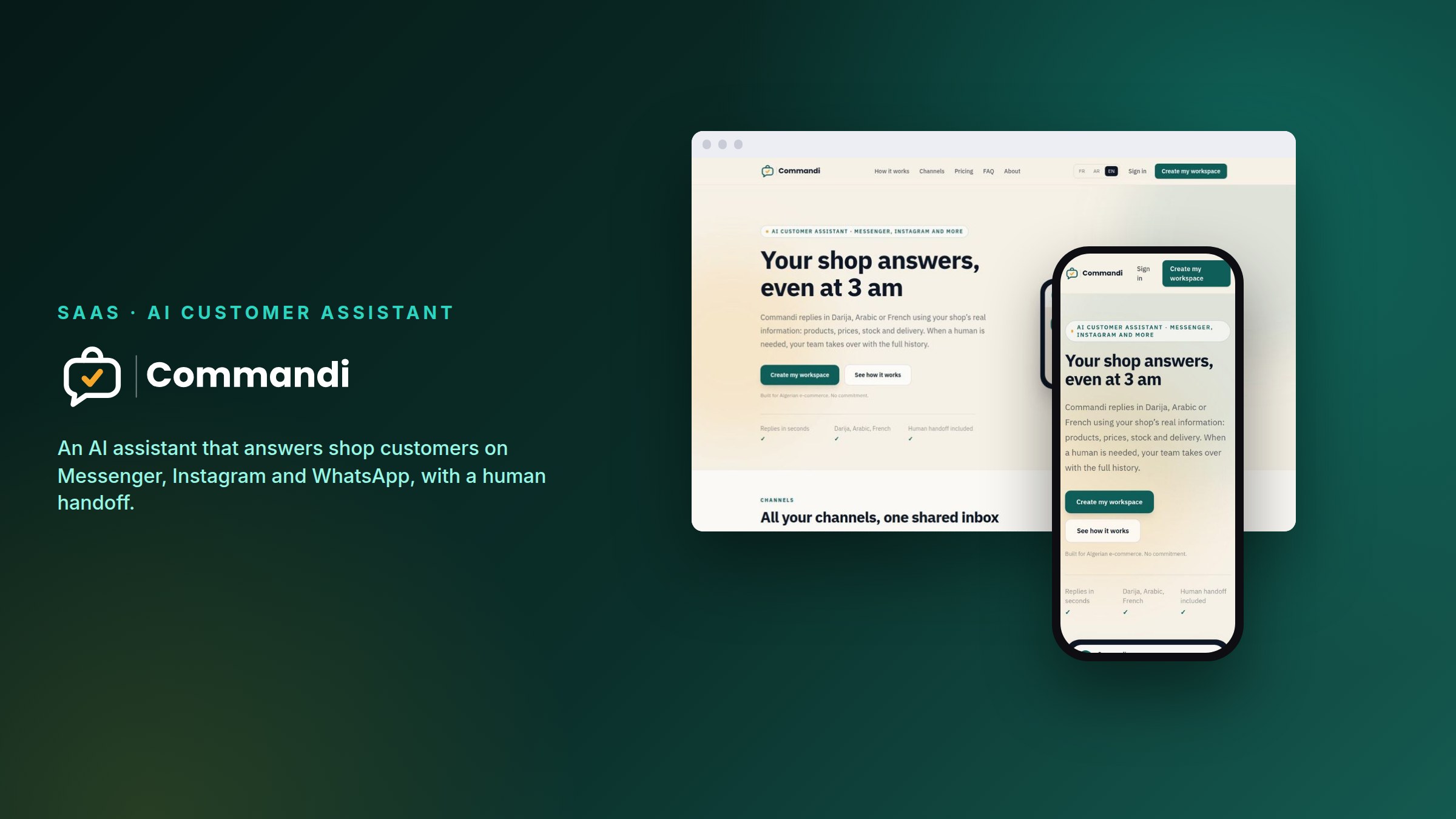
Commandi
Overview
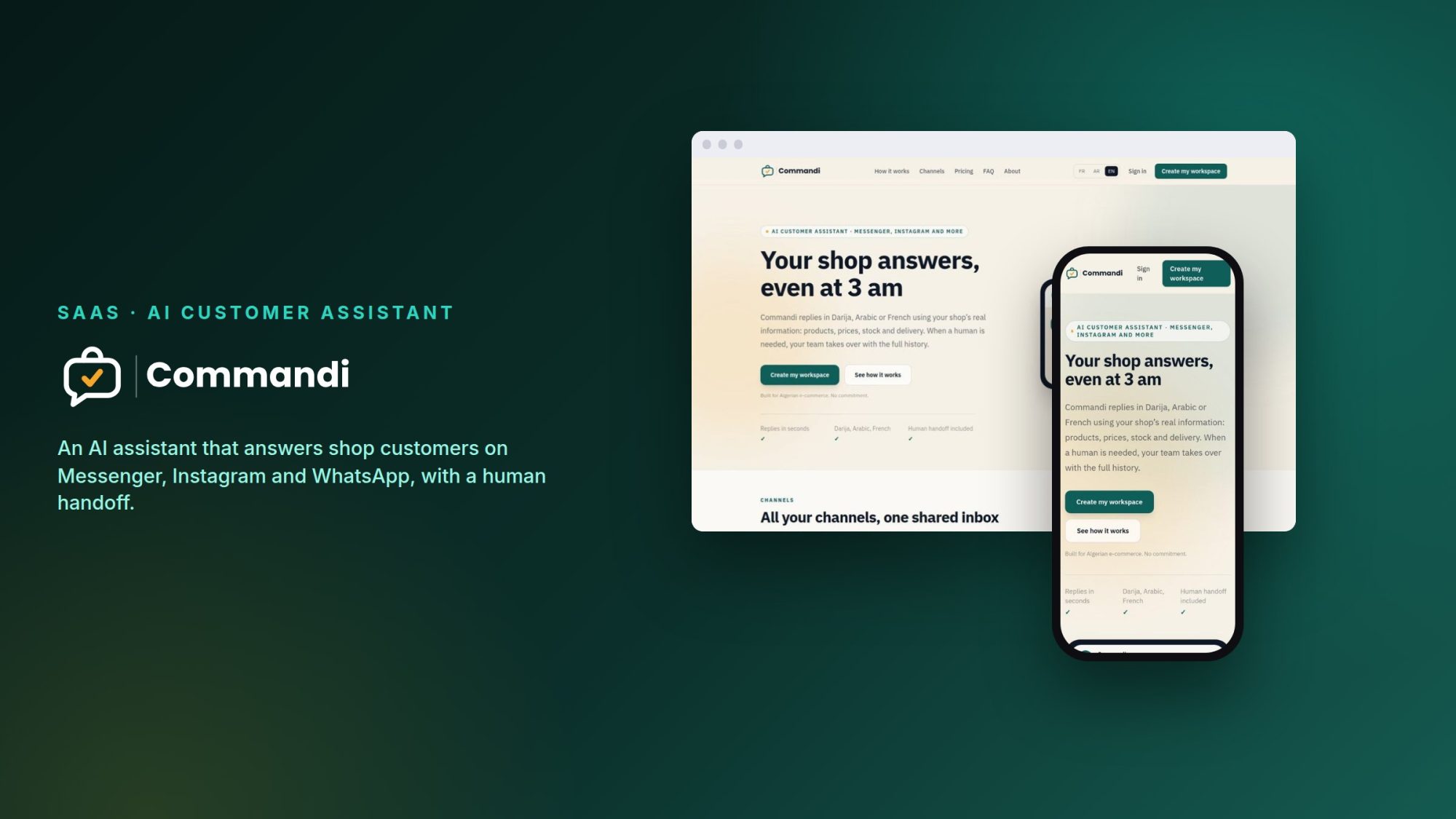
A multi-tenant AI first line for social inboxes: it answers customers, calls shop tools through MCP, and hands conversations to a human agent.
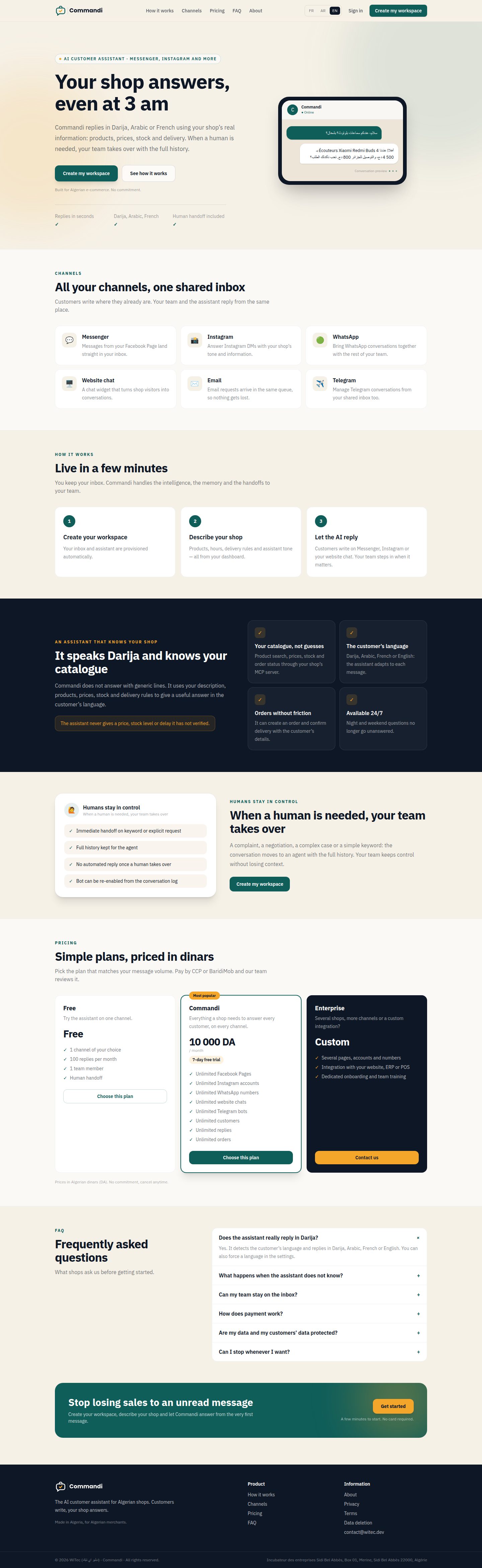
Commandi is a multi-tenant AI assistant for the social inbox of a small business. It answers customers on Facebook, Instagram and other messaging channels, calls shop tools to check a product or prepare an order, and hands the conversation to a person when it should. I built the product shell, the bot loop, the inbox integration and the privacy flow in a three-day sprint, and it is still in active development.
The problem
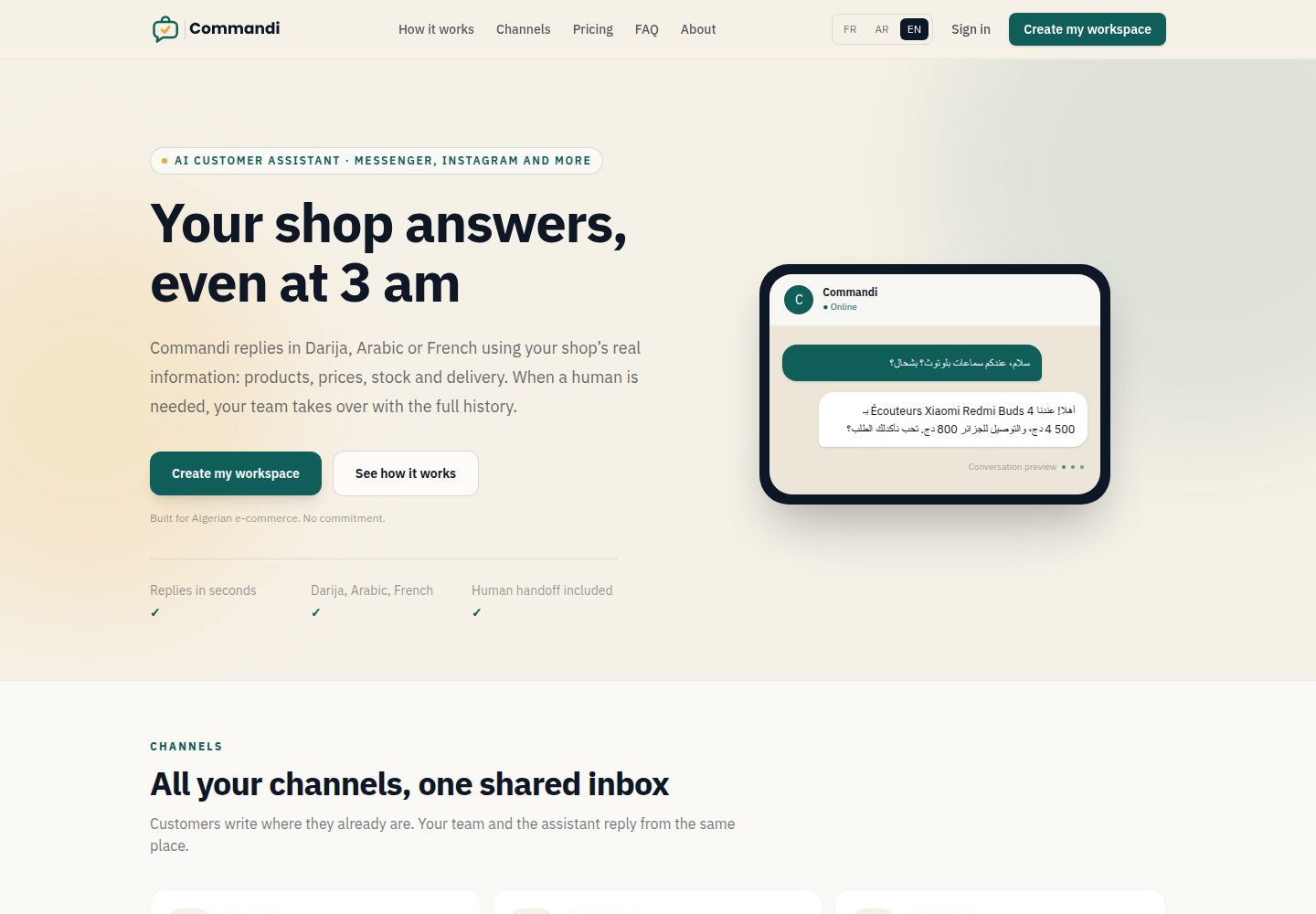
A small business in Algeria often sells through its social inbox. The owner answers the same questions all day: price, size, availability, delivery to this wilaya, is it in stock, can I pay on delivery. Each answer is typed by hand, often late at night, and an order is written on a piece of paper or copied into a notebook. When the volume grows, messages are missed, the same customer asks twice, and the owner cannot tell a question from a confirmed order. Hiring someone to answer is expensive and does not solve the handover problem: the person who replies does not always know what is in stock, and the person who knows is busy. A generic chatbot makes it worse, because it invents prices and promises delivery that the shop cannot keep. What the business needs is a first line that can read its own catalogue, ask before it acts, and leave a clear note when a human takes over.
The solution
A workspace per business, with channels, plans and usage scoped to it. Messages arrive from the inbox through a webhook, the assistant builds a customer profile, discovers the tools available to that workspace and runs a tool loop: it answers, calls a tool when it needs data or an action, reads the result and continues. Order tools are marked and only run after the customer confirms, so the assistant cannot spend money on its own. When it is unsure, it stops and hands the conversation to a human with a private note. Tool servers are connected through MCP, so a merchant can expose its own shop actions without a custom integration for every backend.
Goals
Answer from the shop's own data: prices, stock and orders should come from a tool, never from the model's imagination.
Act only with consent: an order should be prepared and confirmed before it is placed, with the customer's agreement in the conversation.
Hand over cleanly: a human should receive the context, not just the last message.
What I built
Workspaces and plans
Tenant from the first screen: a workspace owns its members, invitations, channels, tool servers and inbox credentials, and every record is scoped to it.
Plans with real limits: features and numeric limits per plan, including the number of connected channels, with subscriptions and trials.
Manual payments: a business submits a transfer with proof, an admin reviews it, and a subscription is created from that decision rather than a fake paid flag.
Usage as events: messages and tokens are recorded as rows, so limits and invoices can be recomputed without losing history.
The assistant
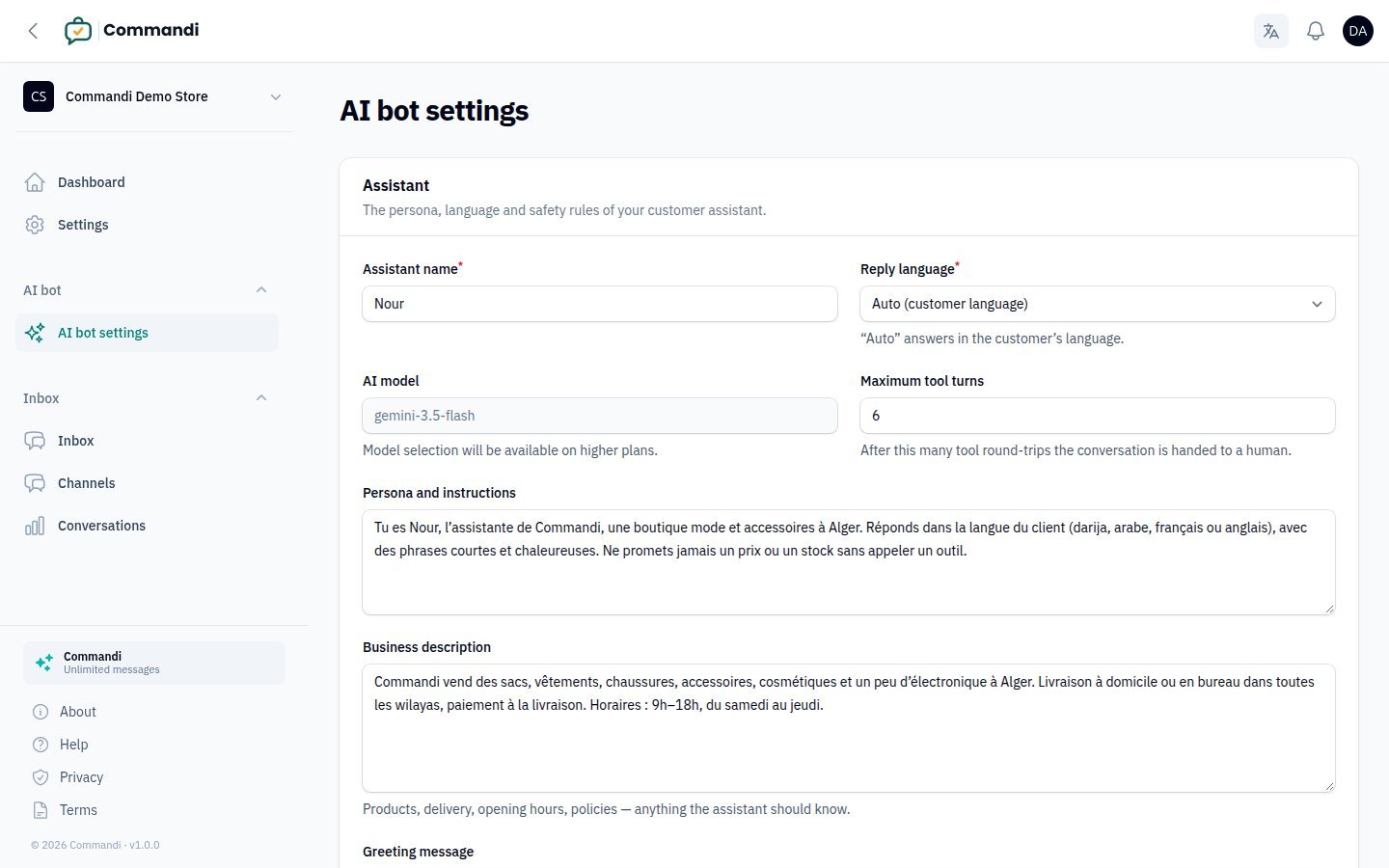
A tool loop: the model receives the conversation and a registry of tools, calls one when it needs data, reads the result and continues until it can answer or must hand off.
Tools from several places: the registry merges built-in tools with every tool exposed by the workspace's connected servers, and caches the map so discovery is not repeated on every message.
Confirmation before orders: order tools are marked, and the loop stops to ask the customer before creating or placing anything. The default for an assistant that can spend money is to ask twice.
Replies shaped for chat: a customer profile and a formatter keep answers short and appropriate for the channel, instead of returning a web page in a message bubble.
Inbox and handoff
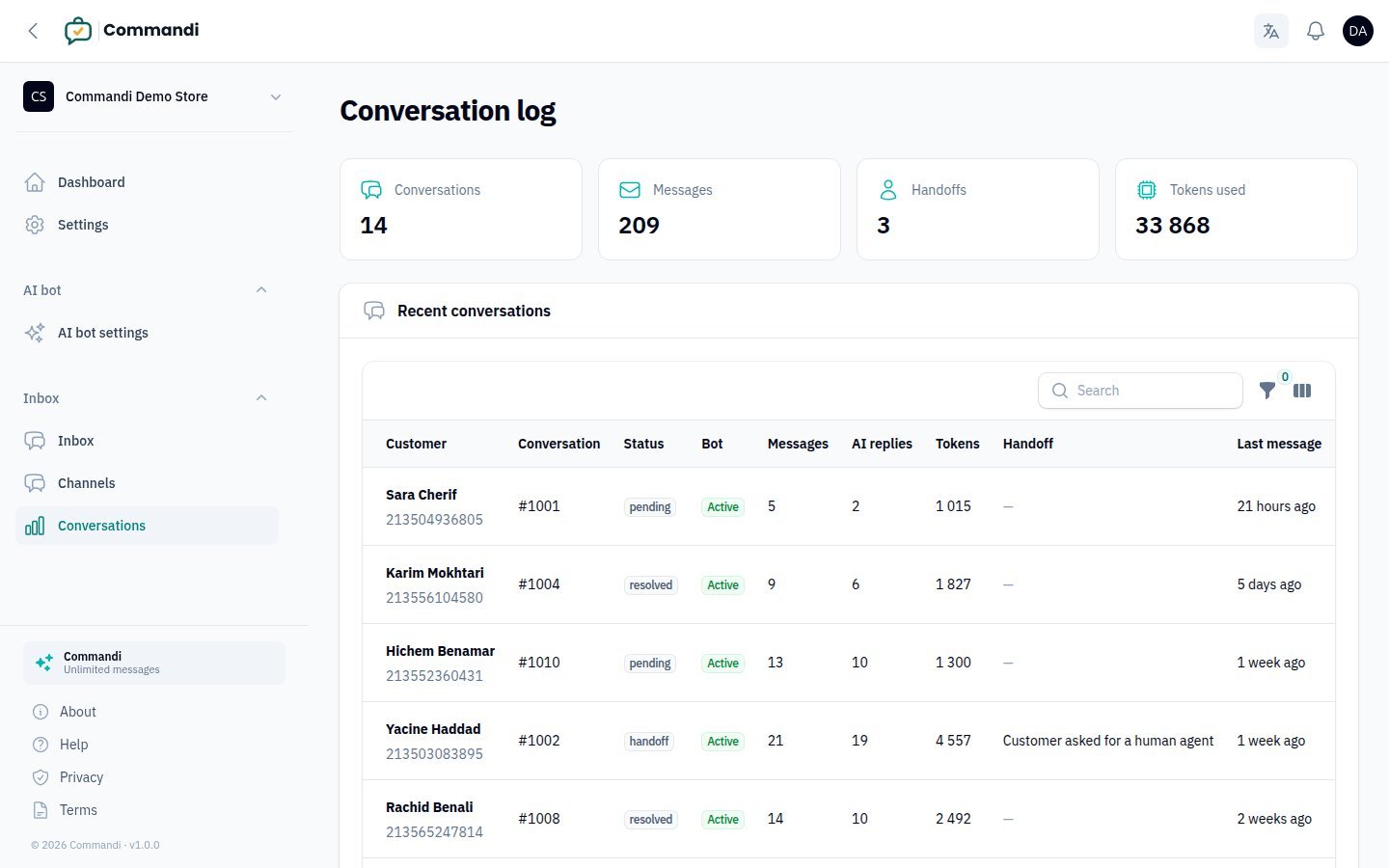
A real agent inbox: Chatwoot is provisioned per workspace, opened through single sign-on and kept in step by webhooks, so the product ships with a mature inbox instead of rebuilding one.
Channels tied to the plan: Facebook Pages, Instagram accounts and other channels connect per workspace, and the plan decides how many.
A webhook per tenant: each workspace has its own secret in the webhook address, so a leaked address only affects one tenant.
Handoff with a note: when the assistant stops, it marks the conversation and leaves a private note for the human, including what it was trying to do and what it could not confirm.
Tool servers and the demo store
An MCP client inside the bot: the assistant speaks a small MCP client over HTTP, with a session handshake and JSON or streamed replies, so a merchant can connect any MCP-capable backend.
A server registry: each workspace lists its tool servers, and enabling one makes its tools available to the next message without a deploy.
Images from tools: product images returned by a tool are extracted and can be sent in the reply, which matters for a shop conversation.
A demo store: the product ships with its own store exposed as a tool server, with products, variants and orders, so the full loop can be demonstrated without touching a customer's shop.
Privacy and operations
A public deletion request: anyone can ask for their data to be deleted and receive a status, which is a platform requirement and the right default for a messaging product.
A signed callback: the platform's data-deletion callback is handled on its own route and tied to the same deletion service.
Deletion that reaches the inbox: the request removes the records in the application and the conversation in every workspace's inbox, not just the local database.
Contact preferences: a contact can opt out, and the assistant respects that instead of starting the conversation again.
Architecture
Laravel 13 with Filament 5 for the operator side, Vue 3 through Inertia for the workspace screens, MySQL for data and a queue for webhook processing and usage events. Gemini runs the tool loop through a small client of my own, Chatwoot provides the inbox over its API and webhooks, and an MCP client speaks to merchant tool servers over HTTP with a session id and a cached tool map. The webhook secret is in the address, which keeps the hot path stateless, and the demo store is isolated as its own tool server so a sales demo cannot touch a real shop. Plans and usage are rows rather than counters, so limits can be recomputed. Built in 2026 and still in active development.
Result
A working first version with the full loop: a message arrives, the assistant answers from tools, asks before ordering, and hands off with context when it should. The product also ships with the compliance path a messaging platform expects, including deletion requests and opt-outs, before the first customer is onboarded.
App screens are from a demo store with sample data.
Interactive preview
Scroll inside the browser window — every page is a real screenshot of the app.